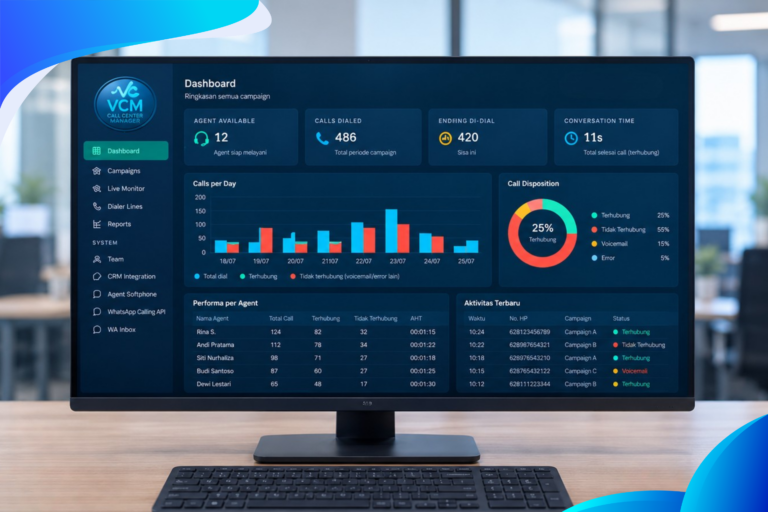
3CX natively integrated with Odoo CRM? That’s right—with the release of Version 20 Update 10, 3CX introduces a feature that will be highly beneficial for many companies running these two platforms separately. The PBX can now be connected directly to Odoo in just a few minutes, eliminating the need to build custom CRM templates or rely on third-party middleware that typically slows down the integration process.
Automatic Synchronization Across Every Customer Interaction
With this integration, the system automatically identifies callers upon receiving an incoming call, complete with real-time data fetched directly from Odoo. Admins and agents can also instantly search for contacts through the 3CX Web Client—by name, phone number, or email address—covering both Contacts and Companies in Odoo.
Every call and chat conversation is automatically logged to the relevant Odoo contact card, ensuring sales and customer support teams maintain complete, up-to-date communication records. If an incoming call comes from an unlisted number in both 3CX and Odoo, agents can create a new contact on the fly without ending the call.
For teams accustomed to working directly within Odoo, the click-to-call feature is fully supported via the 3CX Click2Call browser extension, allowing calls to be launched right from CRM records with a single click.
Quick Three-Step Setup Process
One of the primary advantages of this integration is its effortless configuration. Admins simply need to complete the following three steps:
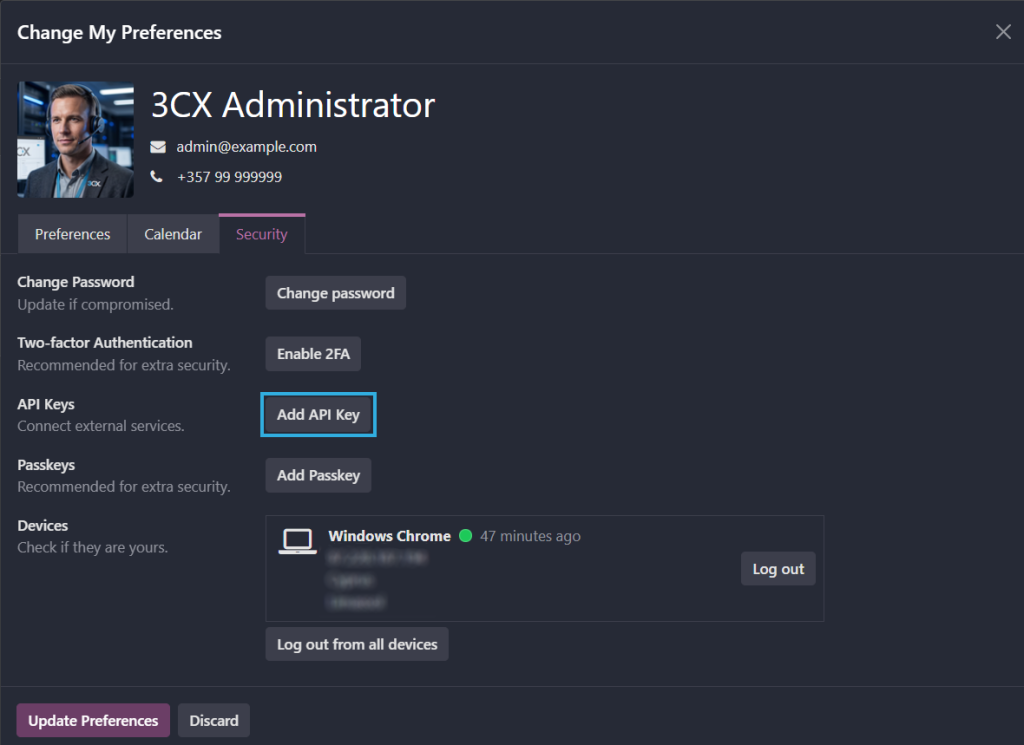
Create an API key in Odoo.
Log into 3CX and select OdooCRM from the Integrations menu.
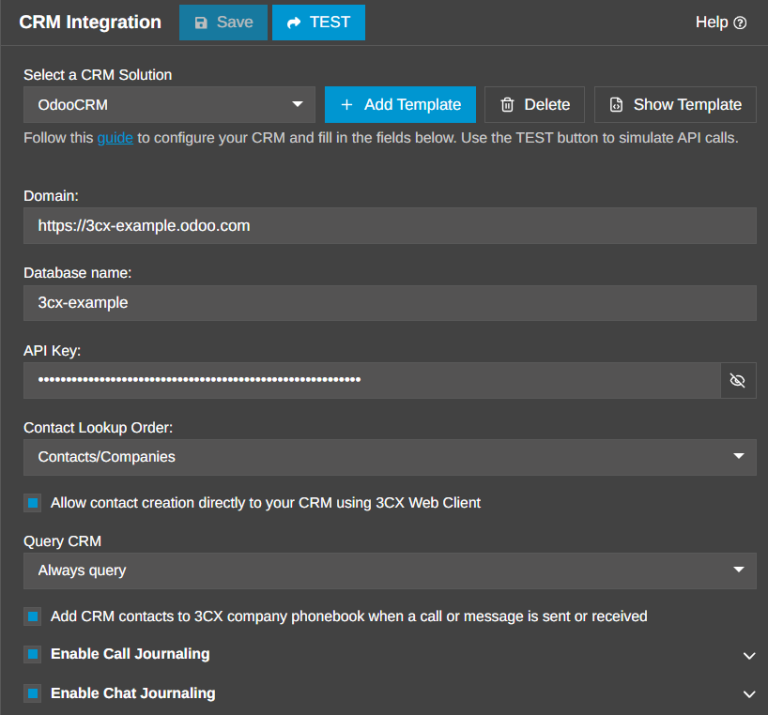
Enter the Odoo Domain URL, Database name, and API Key, then save the configuration.
Once this process is complete, admins can immediately enable additional features—such as call journaling and automated contact creation—to suit their operational needs.
Flexible Journaling Settings
3CX allows businesses to customize how interactions are logged into Odoo. The Call Journaling feature automatically writes external call logs to Odoo whenever the caller’s number matches an existing contact. Subject lines and descriptions for answered, missed, or failed calls can be fully customized using 3CX variables.
A similar capability is available for Chat Journaling. Website live chat conversations are matched based on email address, while SMS and WhatsApp chats are matched using phone numbers. Chat subject titles can also be tailored to fit your team’s needs.
Easy Migration for Existing Users
For companies currently connecting 3CX and Odoo via custom CRM templates or other third-party integrations, migrating to this native connector is straightforward. Admins simply delete the old configuration and add the new native OdooCRM connector. Once switched, it is recommended to review contact matching settings and test incoming call, outgoing call, and chat logging on a few sample contacts before rolling it out across the entire team.