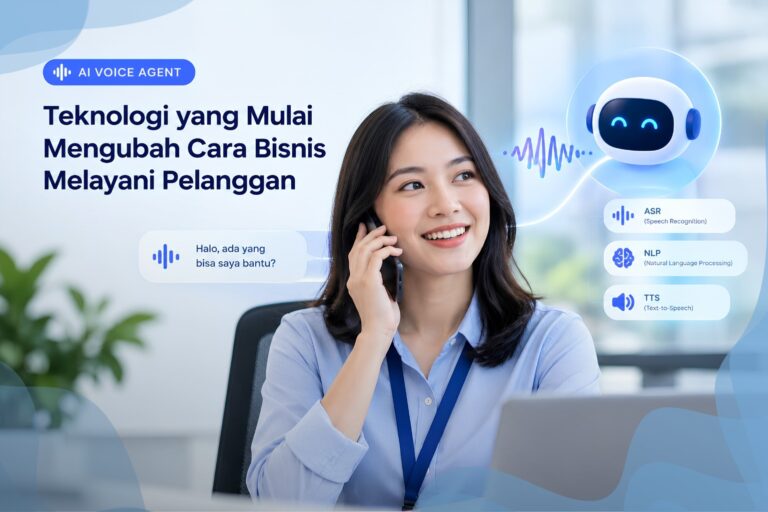




Imagine your office phone being answered by an AI that can hold natural conversations. Callers simply explain what they need, and the AI connects them to the right person. No more listening to “Press 1 for Sales, Press 2 for Support.”
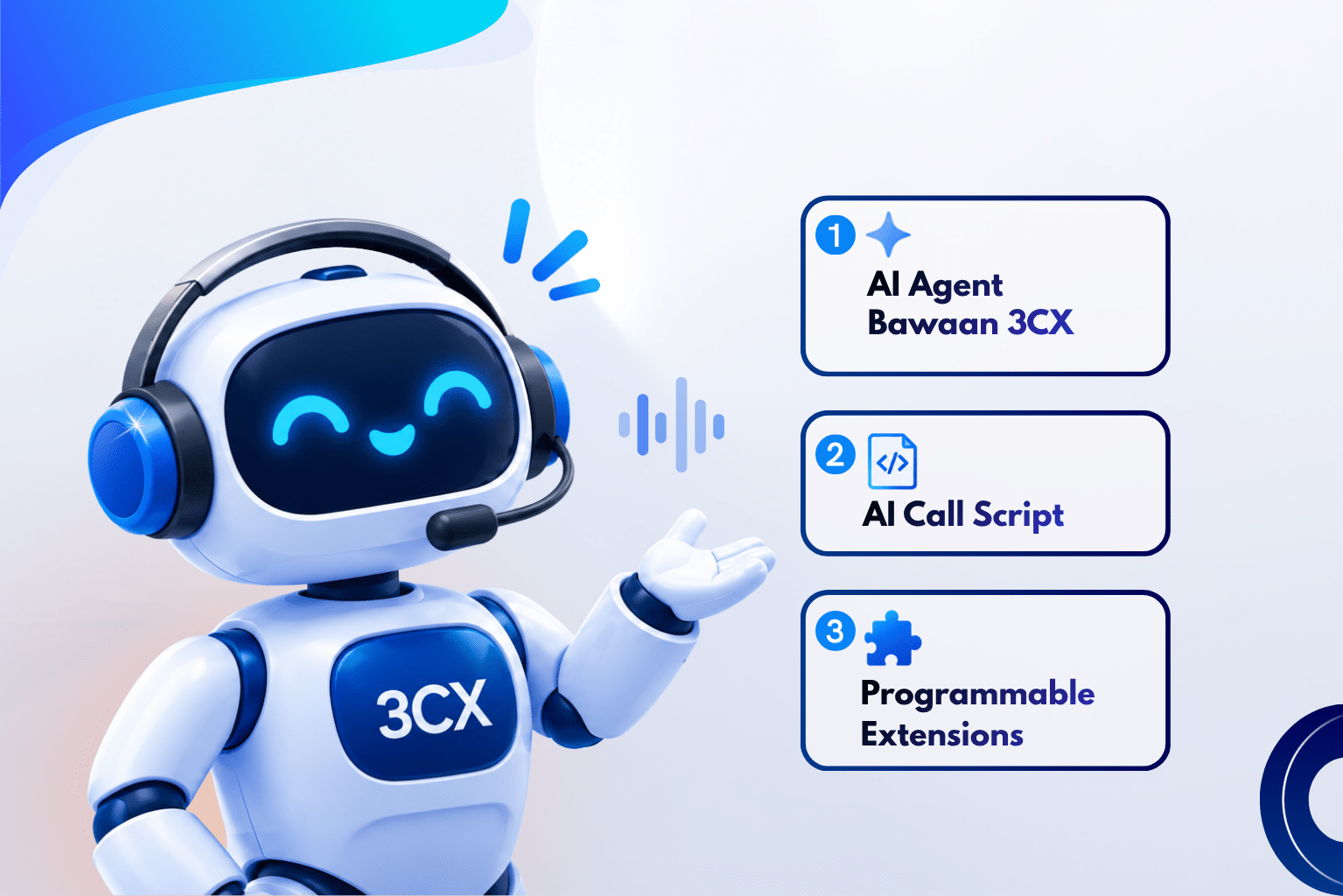
The good news is that 3CX V20 Update 10 makes this possible, offering three different ways to set it up. The main difference lies in how much control you want over the configuration. All three methods still use 3CX to handle phone calls and call routing.
Let’s take a closer look at each option.
Method 1: Built-in 3CX AI Agents (The Easiest Option)
This is the quickest way to get started. 3CX provides three ready-to-use AI agent roles:
Receptionist: Answers incoming calls and directs callers to the right person or department.
Personal Assistant: Screens incoming calls for a specific individual.
Customer Service Agent: Answers customer questions using the knowledge base you provide and hands the call over to a human agent when needed.
Everything is configured through the Admin Console, with no coding required. Simply choose the agent type, phone number, department, language, voice, and greeting message.
For customer service, there is also a Human Handoff feature. If the AI cannot answer a question or the customer requests to speak with a person, the call is automatically transferred to a human agent.
Best for: Businesses whose needs match the available agent roles and want to manage everything from one place.
Method 2: AI Call Scripts (More Flexibility, Still Running on the 3CX Server)
This is a new feature introduced in Update 10. It allows you to install custom scripts that define how AI handles phone calls. Scripts are available for OpenAI, Google Gemini, and xAI Grok, and run directly on the 3CX server.
With these scripts, you can configure various aspects of AI call handling, such as what the AI is allowed to say, which contacts it can search for, where calls can be transferred, and where calls should be redirected if the AI service becomes unavailable.
For example, you can set up an AI receptionist to handle calls outside business hours. It can identify the caller’s needs, find the right person, and transfer the call accordingly. If the AI encounters an error, the call can automatically be redirected to a backup destination.
This approach offers more flexibility than Method 1 without the complexity of Method 3. You don’t need to set up a separate server or application.
Best for: Businesses that need custom call-handling rules but want everything to run within the 3CX environment.
Method 3: Programmable Extensions (Maximum Flexibility)
With this approach, you build your own AI application outside 3CX and connect it to 3CX as a regular extension. 3CX continues to handle phone calls, numbers, and call routing, while your application manages AI conversations and business logic.
Since the application is fully customizable, you can integrate it with other systems such as CRM platforms, calendars, or ERP software.
However, your team will be responsible for managing the server, connectivity, security, and application monitoring. This approach requires a development team.
Best for: Businesses that need AI integrated with their existing systems and want complete control over the implementation.
Quick Comparison
| Feature | Built-in AI Agents | AI Call Scripts | Programmable Extensions |
|---|---|---|---|
| Coding required? | No | Some (scripts) | Yes (custom application) |
| Where does it run? | 3CX | 3CX server | Your own server |
| Flexibility | Limited | Moderate | Maximum |
| Integration with other systems | Limited | Limited | Extensive |
| Management complexity | Low | Medium | High |
What Do You Need to Get Started?
For Methods 2 and 3, you need 3CX V20 Update 10, a 3CX AI Edition license, and an account with your chosen AI provider.
At the moment, Update 10 is still in the Release Candidate testing stage. We recommend testing it in a trial environment rather than deploying it directly on your everyday production system.
For the latest updates, check out our 3CX Update 10 RC2 article.
So, Which One Should You Choose?
Method 1 if you want a quick, no-code solution for answering calls and handling routine customer questions.
Method 2 if you need custom call-handling rules without the hassle of setting up an additional server.
Method 3 if your AI needs to integrate with company systems and you have a development team to manage it.
One important thing to remember: whichever method you choose, always prepare a fallback route to a human agent from the beginning. Customers should never get stuck just because the AI cannot help them.
Not Sure Where to Start?
Don’t worry. SolusiPBX’s 3CX-certified team is ready to help you choose the right approach, set up a test environment, and integrate your AI solution with your CRM or other business systems.
Explore our 24/7 AI Agent Customer Service solution, or contact our team via WhatsApp at +62-21-50111266.