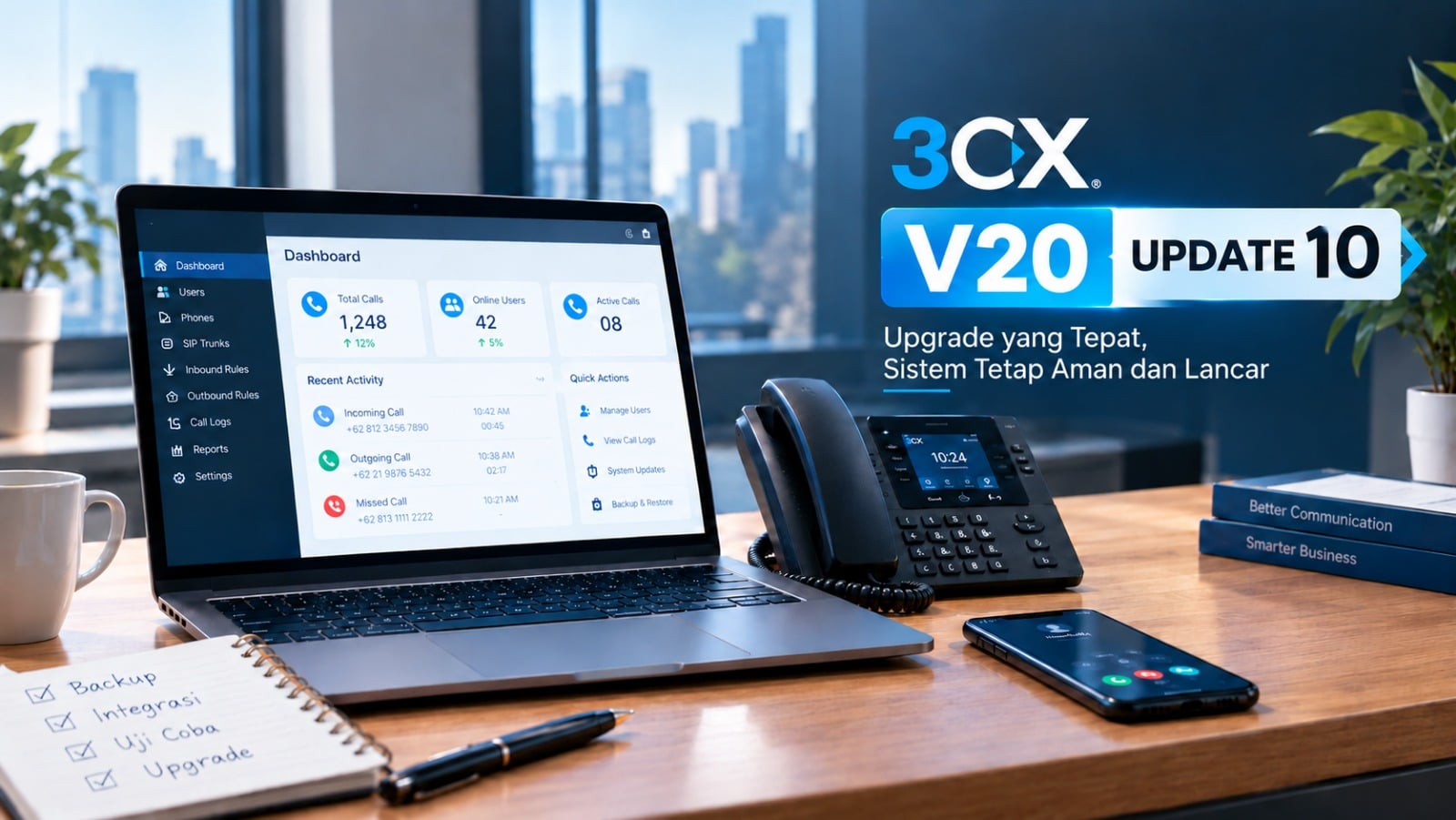

Update 10 has moved up from Beta to the Release Candidate (RC) stage, build 20.0.10.1716. This is not the final release. For production systems, wait for the final version and test the RC on a trial server.
Previously, self-hosted AI call transcription meant a Linux server and an expensive graphics card. With Update 10, 3CX changes that. Transcription can now run on a Mac. There are also updates to desk phone management and user apps. Here is a summary.
AI Transcription on a Mac: What Changed?
Update 10 introduces a standalone 3CX AI Server. Call recordings are transcribed and analyzed on the company’s own machine, not by an outside service. According to 3CX, this solution replaces the older transcription service that required Linux and specialized hardware such as high-end NVIDIA graphics cards.
Requirements and licensing:
- A Mac with an Apple Silicon chip and at least 16 GB of RAM (24 GB recommended).
- A 3CX AI Edition license, starting from 8 simultaneous calls.
- Price estimates from 3CX (US market prices): roughly US$1,000 for a Mac with 16 GB of RAM, and roughly US$1,300 for a Mac mini with 24 GB of RAM and 512 GB of storage.
Installation in three steps:
- Add the AI Server in the Admin Console.
- Copy the installation command provided.
- Run that command on the Mac.
If you already use the built-in AI from a previous version, 3CX asks you to follow the installation guide to migrate to the new AI Server.
Not ready to set up your own server? Cloud options remain available through Grok, OpenAI, and Google.
More useful call summaries. Transcription results are used for call summaries that now contain a short recap, key-point notes (Notes), and a list of follow-ups (Action Items). Admins can set the summary format through a custom prompt. Transcription is also more reliable, because jobs that fail due to connection interruptions, provider issues, or rate limits are retried automatically. Large recordings are split up for OpenAI and then merged back into a single transcript.
Note for Indonesian companies: Processing recordings on your own device gives you more control over where customer conversation data is located. For companies that must comply with the PDP Law (UU PDP), this is worth considering. Still, consult your legal or compliance team about retention policies and recording consent.
More Control Over Desk Phones
3CX’s main recommendation remains “3CX Tested” firmware, and it is still the default for all supported models. However, Update 10 gives businesses an option when they cannot wait for 3CX validation after the vendor has released a bug fix.
- Firmware library (Phones > Firmware). Upload firmware from the vendor, then deploy it only to specific phones or groups. You can also mark a preferred firmware for each model and schedule updates. Schedule them outside working hours, since phones may restart.
- Custom templates (Admin > Advanced > Templates > Phone Templates). Create, copy, edit, and export templates, including for phone models outside the built-in templates. Phones can be moved to a compatible template without being recreated, and extension assignments, routing, and BLF configuration are preserved.
- New Phones page. Move a phone to another user without losing configuration and firmware assignments, reprovision or reboot, and check configuration from one place. Fewer visits to users’ desks, and office moves become faster.
Improvements in User Apps
- SSO login on Windows Softphone. Staff can sign in with a Google or Microsoft 365 account without separate 3CX credentials. Requires Windows Softphone V5.8 (from the Microsoft Store) and 3CX V20 Update 10.
- Pop-out dialer in Web Client. Call controls (mute, hold, transfer) stay visible in a separate window while staff work in a CRM or other applications. Works in Chrome and Edge.
- Choose outbound number. Staff who handle multiple departments or brands can choose which number is shown on the customer’s side. Only numbers assigned to their extension appear. This feature is disabled by default. Admins enable it in Admin > System > Options > Apps > Permissions & Restrictions with the option Allow Users to Select Outbound Route & Caller ID.
Additional Features
- Ad-hoc audio conferences directly from the Web Client dialer.
- Department-specific Music on Hold for calls in shared parking slots.
- Push notification validity on Android and iOS extended from 7 to 14 days.
- Default transfer method for BLF buttons (Blind or Attended) in Windows Softphone.
How to Try the RC
From Update 9, open Admin Console > System > Updates, then install updates in sequence until Update 10 RC is installed. After that, update the 3CX apps your team uses, including Windows Softphone V5.8. Use a test system, not a production server. If you use a Zendesk or Salesforce integration, remember to reauthorize after the upgrade.
Conclusion
Update 10 lowers the barrier to entry for local AI transcription, provides more flexible firmware control, and tidies up the user experience through SSO, the pop-out dialer, and outbound number selection. It is still at the RC stage, so use this time to test, back up, and plan your upgrade schedule while waiting for the final release.
Need help preparing or testing a 3CX upgrade? Contact our team at solusipbx.com