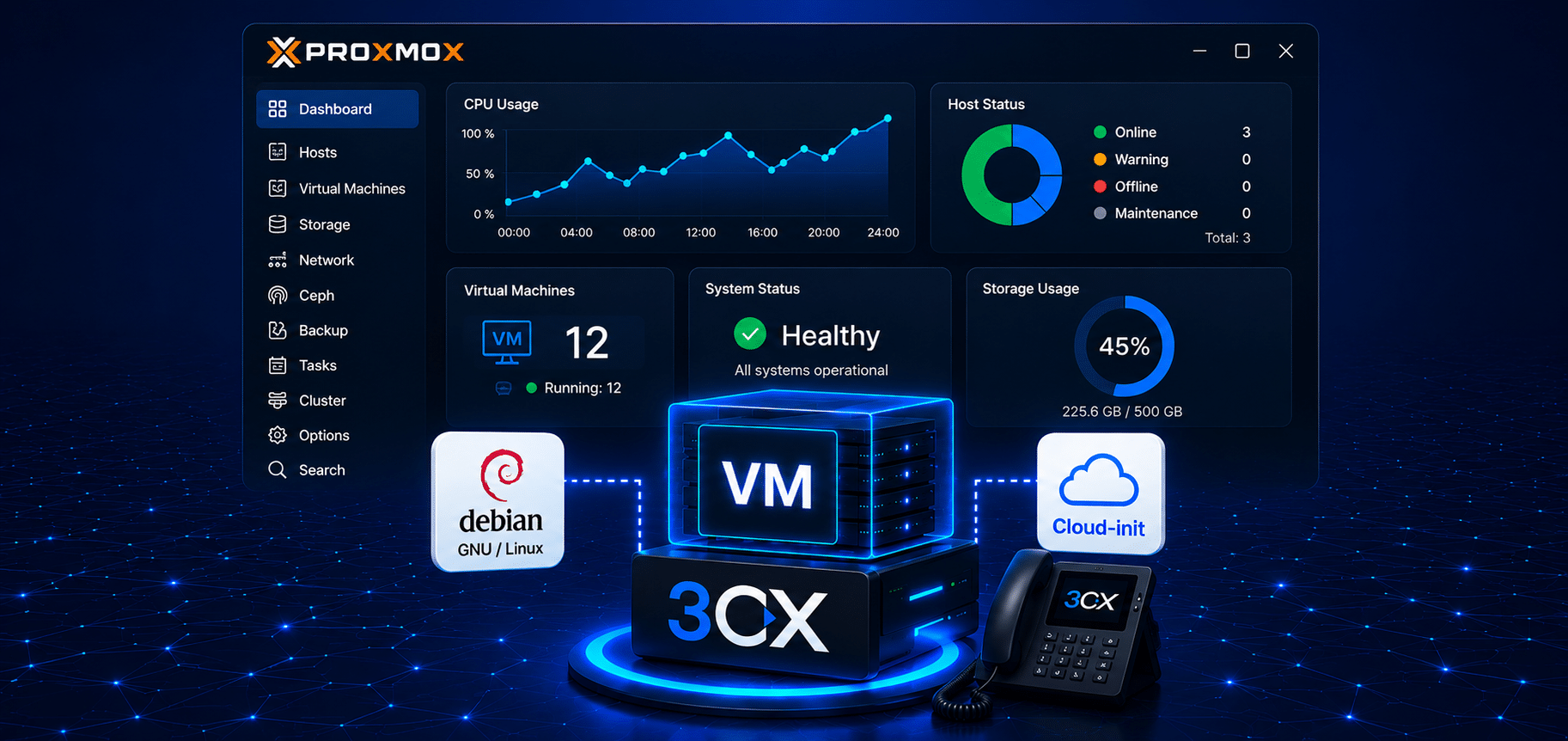

Deploying 3CX on Proxmox is now much easier thanks to the Automated Deployment feature introduced by 3CX. This feature lets administrators create a Virtual Machine (VM), install 3CX, and restore a backup automatically without going through a lot of manual configuration. For IT teams, system integrators, and 3CX partners, deploying 3CX on Proxmox with this automatic method can save implementation time and reduce the risk of human error.
What Is Proxmox VE and Why Is It Widely Used?
Proxmox VE (Virtual Environment) is an open-source virtualization platform widely used to run many virtual servers on a single physical device. With Proxmox, companies can optimize hardware usage while making IT infrastructure easier to manage.
In a virtualized environment, each application can run on a separate Virtual Machine (VM). One of the applications most often run on a VM is 3CX, a modern IP PBX system that supports voice communication, video meetings, live chat, WhatsApp integration, and contact center.
Why Is Deploying 3CX on Proxmox a Popular Choice?
Many companies choose to deploy 3CX on Proxmox because the combination offers flexibility, cost efficiency, and ease of management.
The main benefits include:
-
No separate physical server needed.
-
Easy backup and restore.
-
Supports high availability and disaster recovery.
-
CPU, RAM, and storage resources can be adjusted.
-
Suitable for both on-premise and private cloud implementations.
In addition, Proxmox VE has become one of the popular virtualization platforms for deploying VoIP-based phone systems and Unified Communications.
How to Deploy 3CX on Proxmox Using Automated Deployment
Previously, deploying 3CX on Proxmox was done manually through the Proxmox dashboard. Administrators had to create the VM, set up storage, configure the network, install the Debian operating system, and then continue with the 3CX installation.
Now, 3CX provides a deployment toolkit that uses Debian Cloud Image and Cloud-Init so that most of the process can be done automatically.
With Automated Deployment, the system can:
-
Create a Virtual Machine automatically.
-
Allocate CPU and RAM as needed.
-
Set up storage automatically.
-
Configure the network using DHCP.
-
Install 3CX automatically.
-
Restore a 3CX backup automatically.
Benefits of Deploying 3CX on Proxmox Automatically
1. Faster Deployment
Administrators no longer need to create the VM manually through the Proxmox interface. Just run the deployment script and the whole process runs automatically.
2. Fewer Human Errors
Configuration mistakes often happen during manual deployment. With automation, configuration is more consistent and easy to replicate.
3. Restore Backups Without a Wizard
If a backup file and the matching configuration are available, the restore process can be done automatically without completing the installation wizard through the browser.
4. Resource Flexibility
Administrators still have full control over:
-
Number of vCPUs
-
RAM capacity
-
Storage size
-
Network configuration
-
VM ID
-
MAC Address
All parameters can be customized through the configuration file.
Steps to Deploy 3CX on Proxmox
Download the Deployment Toolkit
Download the deployment toolkit provided by 3CX.
Prepare the Configuration File
Enter parameters such as:
-
VM ID
-
CPU
-
RAM
-
Storage
-
Network configuration
-
Backup file (optional)
Run the Deployment Script
The script can be run directly from the Proxmox terminal.
Automatic Deployment Process
The script will:
-
Download the Debian Cloud Image.
-
Create the Virtual Machine.
-
Configure Cloud-Init.
-
Power on the VM.
-
Install 3CX.
-
Restore the backup (if available).
-
Show the IP address of the server that was created.
When Is Automated Deployment Most Useful?
This feature is very useful for:
-
3CX partners who deploy repeatedly.
-
Managed Service Providers (MSPs).
-
Corporate IT teams with many branches.
-
Migration from an old PBX to 3CX.
-
Disaster Recovery and Business Continuity Plans.
The more often an organization deploys 3CX on Proxmox, the greater the benefit of automation.
Conclusion
Deploying 3CX on Proxmox can now be done faster and more efficiently thanks to the Automated Deployment feature. Administrators only need to prepare the configuration file and run the deployment script, while the system handles VM creation, 3CX installation, network configuration, and even backup restore automatically.
With this capability, it is an ideal solution for companies that need a fast, consistent, and easy-to-manage IP PBX implementation. Besides saving deployment time, this feature also helps reduce the risk of configuration mistakes and improves IT team productivity.
Need Help Implementing 3CX?
SolusiPBX provides consulting, implementation, migration, managed service, SIP Trunk, Cloud PBX, Contact Center, AI Agent, and CRM integration services for modern business communication needs.
Contact us to get a demo and 3CX implementation consultation tailored to your company’s needs.