



Learn 3CX’s Basic Communication Features in 5 Minutes

Updated on September 30, 2026
1 min read
Basic 3CX Communication Features You Should Master #
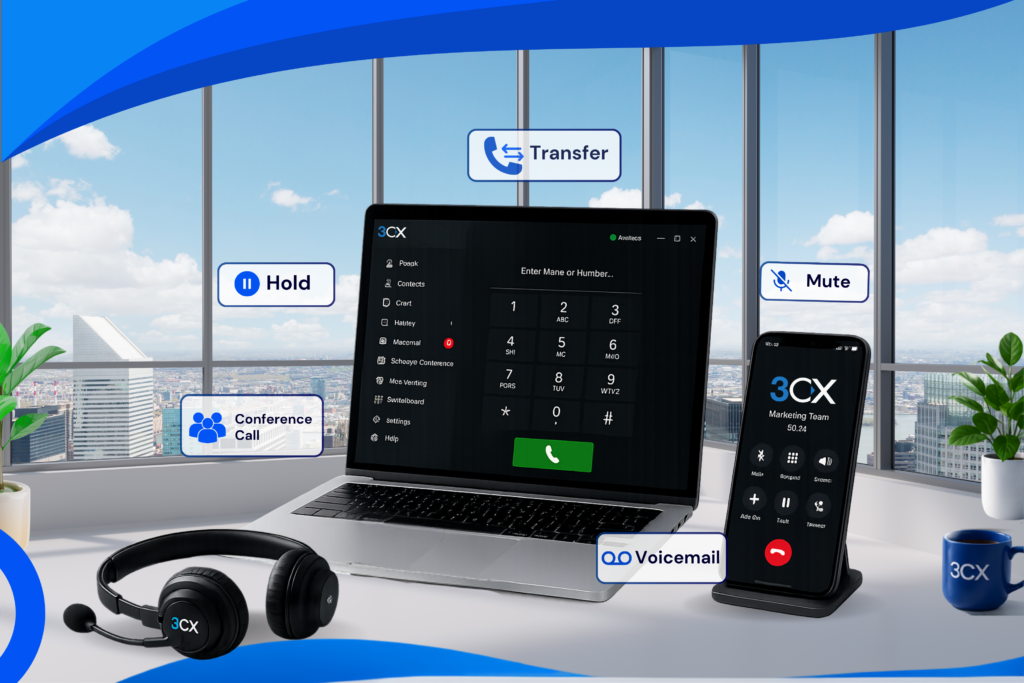
Ever been confused about how to transfer a call to a coworker? Or still mixing up Hold and Mute? Don’t worry, that’s totally normal when you’re just getting started with 3CX. To help you work more smoothly, let’s go over the 5 basic communication features you’ll use every day.
1. Call Transfer #
Call transfer is used when you want to forward a call to someone else. In 3CX, there are two types of transfer you should know about.
Attended Transfer #
With an Attended Transfer, you speak to your coworker first before the call gets forwarded.
Good to use when:
- You want to make sure your coworker is actually available.
- You want to explain who’s calling first.
- You want to avoid the customer being connected to the wrong person.
In short: Confirm first, then transfer.
Blind Transfer #
With a Blind Transfer, the call is forwarded immediately without confirming with the receiver first.
Good to use when:
- You already know where the call should go.
- You want a faster process.
- The receiver is always ready to take the call.
In short: Transfer right away, no small talk.
2. Hold #
Need a moment to pull up customer data or ask a coworker something?
Just click Hold.
While this feature is active, the customer waits until you come back to the call.
For example:
“One moment please, let me check that for you.”
3. Mute #
Mute is used to turn off your microphone.
So the customer is still on the call, but they can’t hear any sound from your end.
Usually used when:
- There’s noise around you.
- You need to quickly discuss something with a coworker.
- You cough or sneeze while on the call.
Remember!
- Hold = the customer waits.
- Mute = the customer stays on the call, but can’t hear you.
4. Conference Call #
Need to talk with several people at once in a single call?
Use Conference Call.
With this feature, you can bring coworkers or other customers together into the same call.
Benefits:
- More practical meetings.
- Faster discussions.
- No need to call people one by one.
5. Voicemail #
If you miss a call, don’t worry.
3CX has a Voicemail feature — a voice message left behind by the caller.
So even if you’re busy or offline, you can still listen to important messages whenever you’re free.
Wrapping Up #
Mastering 3CX’s basic communication features isn’t actually hard. Once you’re comfortable using Transfer, Hold, Mute, Conference Call, and Voicemail, your work gets faster, communication gets tidier, and customers get a better experience.
Start using these features every day, and see the difference for yourself!