


Voice Calls
Make and receive calls directly from the app without physical phone devices. Easy-to-use dialer and call log interface. Supports basic functions such as call transfer, hold, mute, and voicemail.

Present Status
The BLF (Busy Lamp Field) feature allows you to view real-time status of colleagues (e.g., in a call, available, busy). Simplifies team coordination and ensures accurate call routing.

Contact & CRM Integration
Integrates with internal directories, Microsoft 365, or CRM. Add contacts directly from the call screen. View contact profiles (CRM) during incoming calls or when dialing.
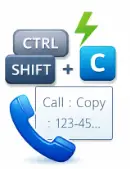
Smart Dialing (Hotkeys & Clipboard)
Use hotkeys to open the dialer, answer, decline, or transfer calls. Copy-to-dial feature from the clipboard—simply highlight a number and call directly.

Advanced Call Management
Call control from the team tab: barge-in, whisper, transfer, park, record, and monitor calls. View ongoing calls by other teams for supervision.

Abandoned Call Tracking & Management
Filter missed / abandoned calls. Mark call status: pending, in progress, or resolved. Quick actions: callback, add to contacts, or chat after call.

ime Status & Call Forwarding
Set temporary status (available / away / DND) with a timer. Create call forwarding rules based on your status.
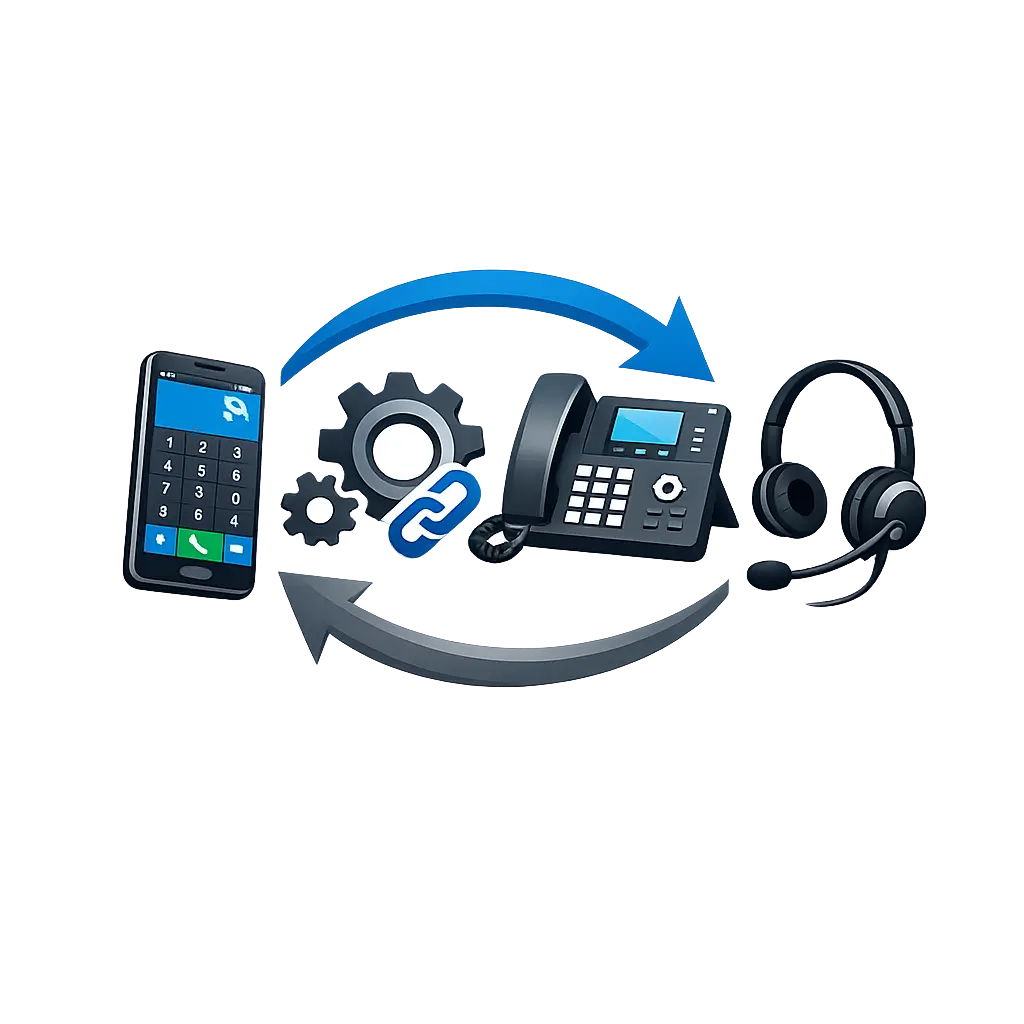
Device & Headset Integration
Softphones support various headsets (including API support for specific devices like Poly). Call controls directly from headset: answer, end call, hold, mute, etc.
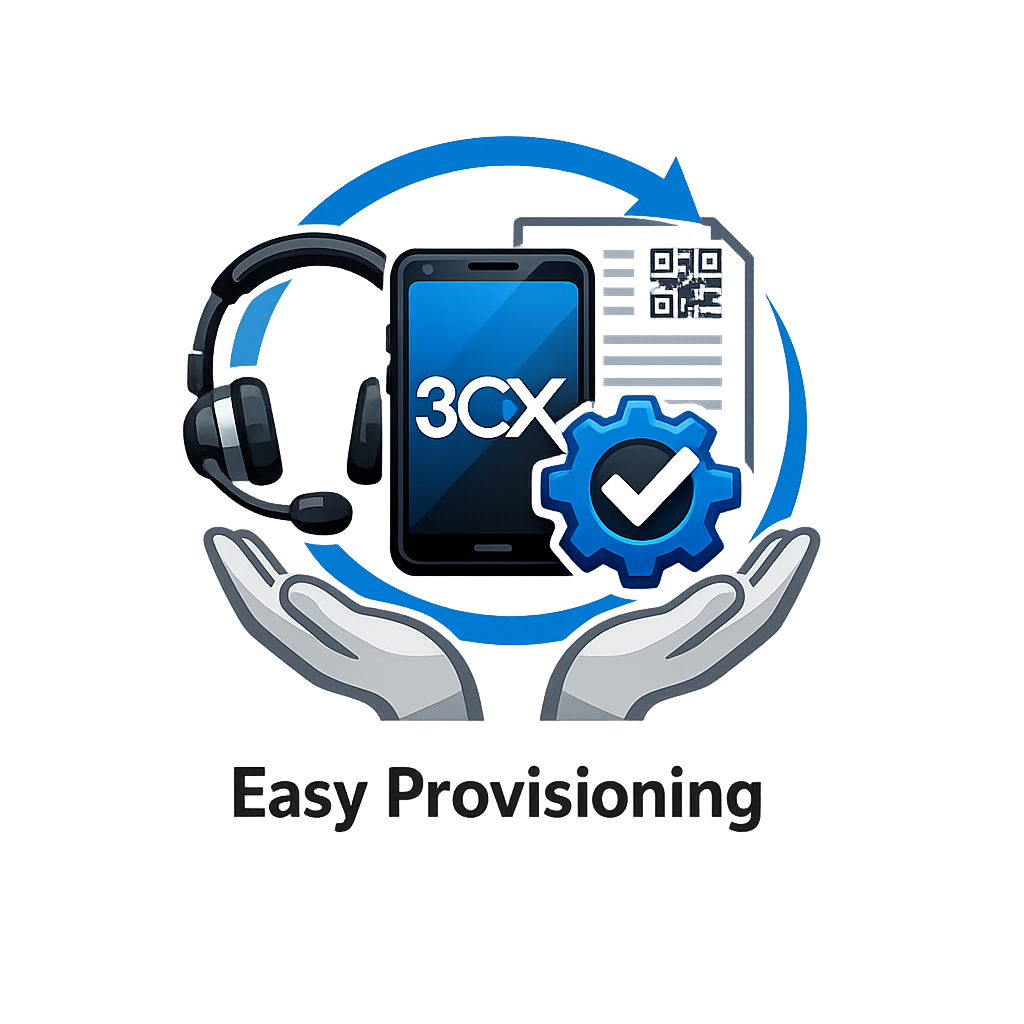
Easy Sync & Deployment
Softphone applications support auto-provisioning from the 3CX console, eliminating the need for lengthy manual setup. Log in with your 3CX credentials and start using it right away.