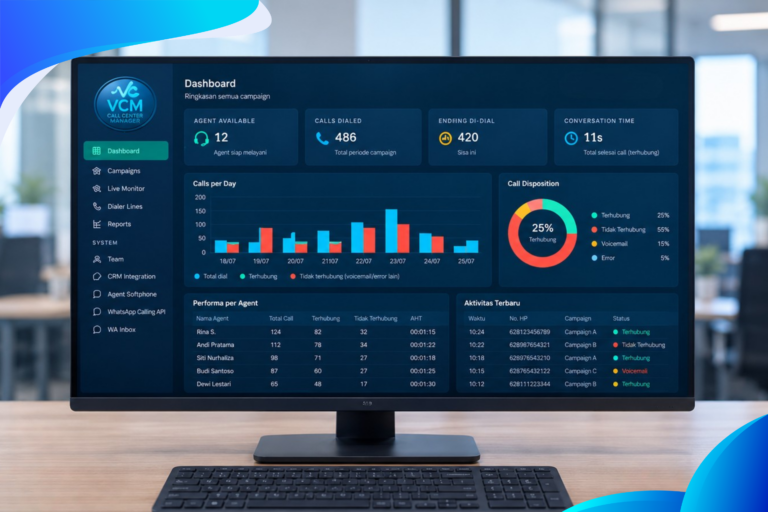
The cloud PBX integration system with Freshdesk provides a ready-to-use integration plugin. With cloud PBX integration, the benefits include:

- Caller identification in Freshdesk contacts. Agents can immediately see who the caller is from the Freshdesk contact database in a popup.
- New contact feature: if no information is found in the Freshdesk contact database, a contact is created automatically when the phone number is not in the Freshdesk contact database.

- Creates a journal related to the contact when the call ends. The system records the status, the duration of the conversation, and the start and stop times.

- The cloud PBX integration with Freshdesk also logs the call automatically after the caller finishes the call.
5. Click to call from the Freshdesk dashboard:

Save time and reduce mistakes when placing calls from Freshdesk CRM using click to call.
This plugin makes it possible to place phone calls directly from the CRM or browser.
With just one mouse click, an outbound call to a phone number can be placed automatically and instantly, increasing the productivity and efficiency of the sales team.
How is the IP PBX server side configured?
To integrate through the RESTful API, the system requires the phone number search to be an exact, 100% match between the number in Freshdesk and the customer’s number, and only then will the system show the popup.
On the journaling side, the items that need to be integrated are:
- Ticket subject: the call subject
- Ticket type: the type of ticket to be generated
- Answered incoming call: the description for an answered incoming call
- Missed call: the description for an unanswered call
- Answered outgoing call: the description for an answered outgoing call
- Unanswered outgoing call: the description for an unanswered outgoing call.