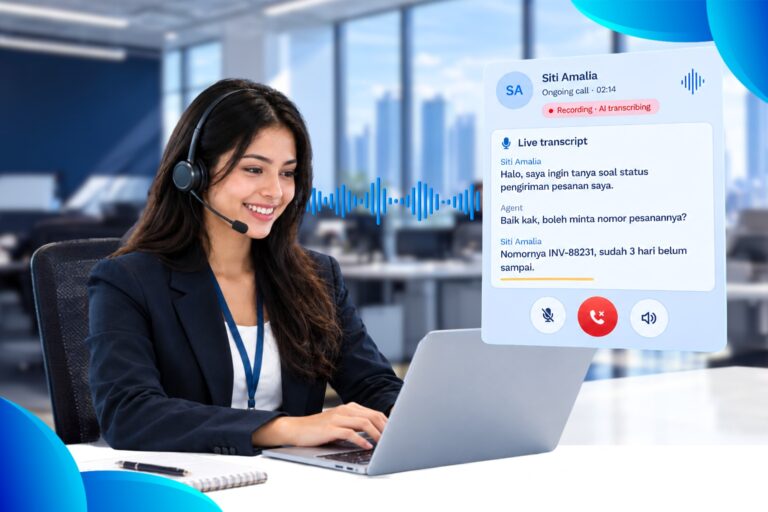
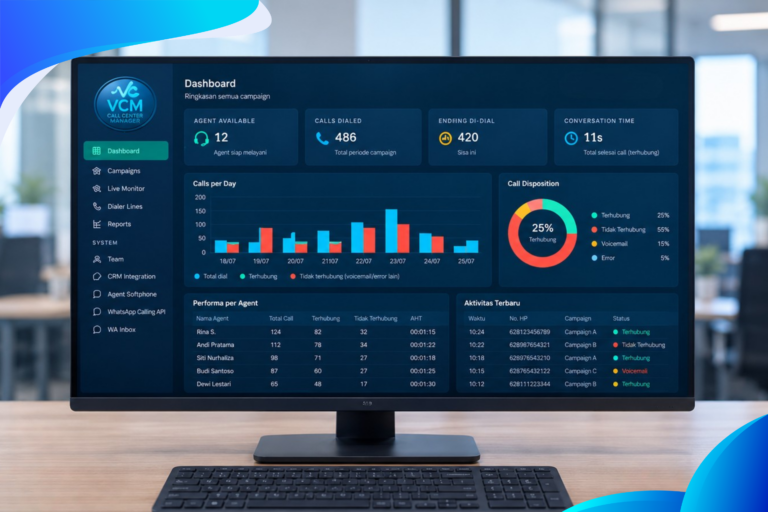
The 3CX IP PBX Call Flow Designer lets you easily build voice applications for your call center. A voice application is a program that interacts with users over the phone and then performs certain logic. For example, you can create a voice application that asks the caller to enter a customer number, which is then verified against a database.
Based on this number, the call can then be routed to a specific queue. Because the 3CX IP PBX Call Flow Designer is fully visual, little telephony or programming knowledge is required.

How does it work?
Using the 3CX IP PBX Call Flow Designer in your call center can easily be done visually. Each application consists of a number of building blocks, called components. For example, Menu, Play prompt, or User input are some of the most common components. Each component has specific configuration options. Once you have put your voice application together, it becomes a project. This project is then uploaded to the 3CX Phone System. Using a digital receptionist or a DID number, you can then link it to your voice application. That way, callers can be directed to your application either directly or through a menu. From within your voice application you can connect back to call queues, extensions, digital receptionists, and so on.
What can you do with it?
- Access databases from a CFD voice app
- Send e-mail from a CFD voice app
- Create a Telephone Support Portal with 3CX CFD
- Route calls based on time of day
- Create an outbound dialer
- Time-based routing without programming
- Use the Authentication component to validate customers
- Use the Credit Card component