


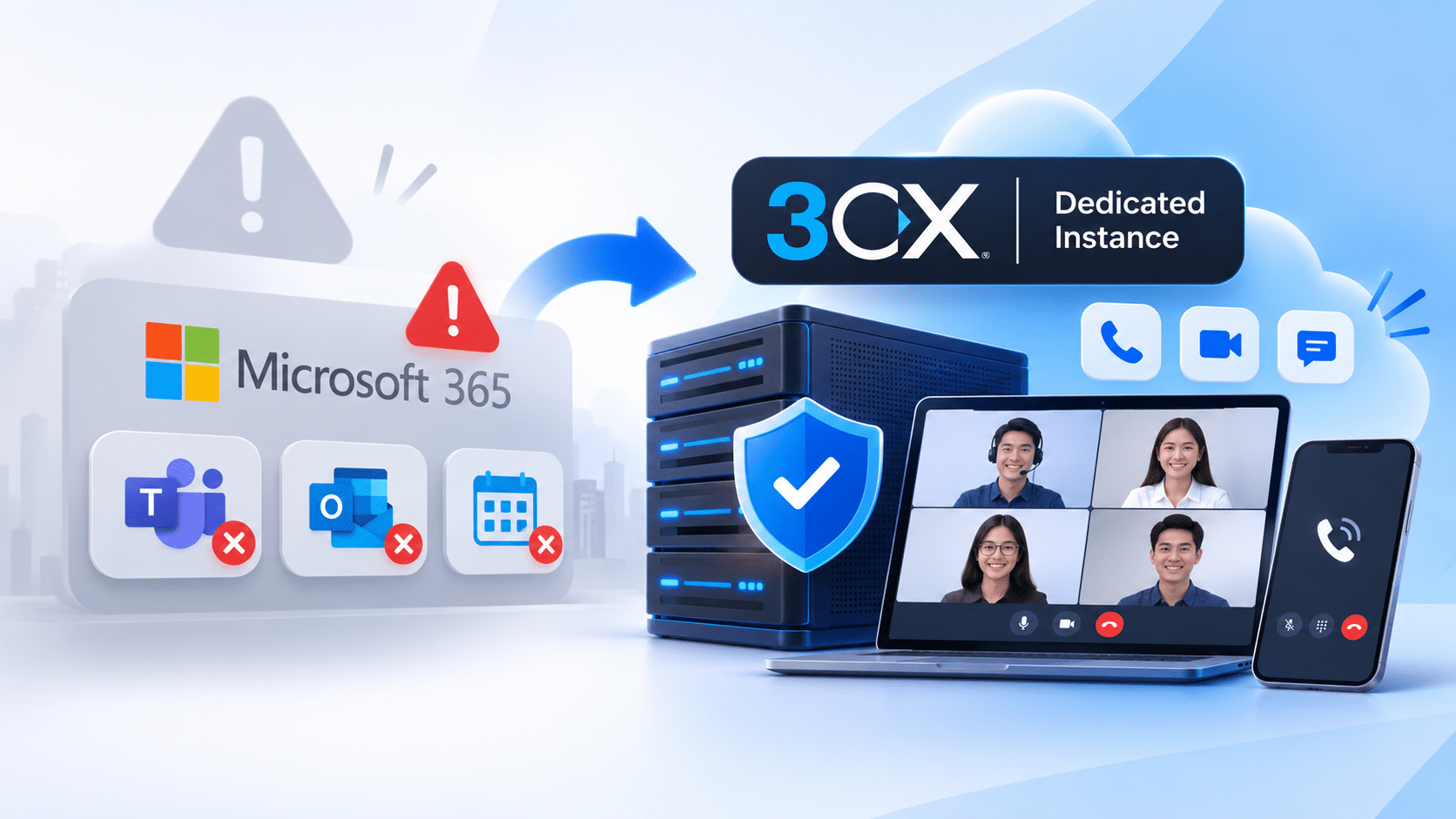

When Microsoft 365 goes down, businesses that rely on a single platform for all their communications can come to a standstill. They cannot hold meetings, make phone calls, or send emails. One practical way to avoid this situation is to separate your phone system and web meetings onto an independent platform, such as 3CX with a dedicated instance.
When Teams and Outlook Go Down at the Same Time
On Friday, November 13, 2026, Microsoft 365 users in Indonesia reported disruptions affecting Outlook and Teams. According to CNBC Indonesia, reports began around midnight local time and peaked at approximately 8:30 AM WIB, based on Downdetector.id data. Users experienced login issues, failed email deliveries, and problems connecting to Teams meetings. OneDrive and the online version of Word were also reportedly affected.
Microsoft stated that the disruption was related to Exchange Online. Initially, the company suspected a surge in traffic across several regions. Later, Microsoft explained that several servers had suddenly become unavailable, shifting the workload to other servers and causing them to become overloaded. Microsoft reported that some services had started recovering, with fixes gradually rolling out to other regions.
For businesses that schedule client meetings, operate call centers, or handle customer calls through Teams, incidents like this can bring operations to a halt until the service provider resolves the issue. You cannot speed up the recovery process, and you may not have an alternative way to communicate.
What Are 3CX and a Dedicated Instance?
3CX is a software-based business phone system (PBX) that combines voice calls, video conferencing, and live chat in one platform. Unlike Teams, 3CX does not run on Microsoft’s infrastructure, so Microsoft 365 outages do not automatically affect it.
A dedicated instance means your 3CX system runs on its own virtual server (VM), exclusively used by your company rather than sharing resources with other customers. This instance can be managed by a hosting provider or 3CX partner, or deployed independently on public cloud platforms such as Amazon, Azure, Google, and DigitalOcean, as well as on your own office server.
3CX offers two deployment options: hosted (where 3CX manages the infrastructure while you configure extensions and call routing rules) and self-hosted (where you manage the system yourself). 3CX also offers Dedicated Hosting for Professional and AI plans. Package details and dedicated instance services may vary between providers, so make sure to confirm the available options directly with your provider.
Five Benefits of a Dedicated Instance
Independent from Microsoft outages. Phone calls and web meetings can continue running when Teams or Exchange Online experiences disruptions because the system does not depend on those services. Employees and clients can stay connected without interruption from Microsoft 365 outages.
Dedicated server resources. Voice and video quality are less likely to be affected by other users’ activity because the server’s CPU, memory, and bandwidth are allocated exclusively to your company.
Greater control over data and security. Call recordings, history, and configurations are stored within your own instance. You can define firewall rules, administrator access, backup policies, and server locations, which is especially useful for businesses with data compliance requirements.
Flexible customization. You can manage system capacity, maintenance schedules, and updates, as well as integrate 3CX with your CRM or other business systems without being tied to a shared service provider’s schedule.
More predictable costs. 3CX uses a fixed annual licensing fee per system rather than charging per user, and you can bring your own SIP trunk. Adding more employees does not automatically increase your licensing costs.
Calls and Web Meetings on One Platform
Web meetings are built into the 3CX phone system rather than offered as a separate product with additional per-user fees. Key features include:
Browser-based access. Hosts and participants do not need to install an application. Guests do not need a 3CX account and can simply join through a 3CX Meet link.
Meeting capacity. The free SMB edition supports up to 25 participants with no time limits, while the AI edition supports up to 250 participants.
Meeting features. Screen sharing, meeting recording, polls, background blur, hand raising, and quick reactions.
Video quality. Powered by WebRTC technology, delivering stable HD video even with limited bandwidth.
Easy scheduling. Meetings can be scheduled through a calendar or started instantly using a personal 3CX Meet link, which can be added to email signatures, business cards, or websites.
Everything is managed through a single 3CX dashboard, so your IT team does not need to maintain separate systems for phone calls and meetings.
Quick Comparison
The following table compares how the two platforms generally work. Actual costs and specific capabilities depend on the plan and provider you choose.
| Aspect | Teams (Single Collaboration Platform) | 3CX with a Dedicated Instance |
|---|---|---|
| During Microsoft 365 outages | Calls and meetings may be affected | Continues operating on separate infrastructure |
| Server resources | Managed and shared by the provider | Dedicated exclusively to your company |
| Configuration and data control | Limited to available platform settings | Managed by you or your service partner |
| External meeting participants | Generally join via a link or application | Join directly through a 3CX Meet browser link |
| Pricing model | Generally charged per user | Fixed annual fee per system, with no per-user licensing fee |
Steps to Set Up a Communication Backup
Outages like today’s are difficult to predict, but their impact can be minimized with a few simple preparations:
Identify business processes that rely heavily on phone calls and meetings, such as customer service, sales, and management meetings.
Choose a communication system that operates independently from your primary email and collaboration platform.
Decide on your hosting model: managed by a provider or 3CX partner, or self-hosted on a public cloud or office server.
Prepare your SIP trunk, phone numbers, and extension list, then test calls and web meetings before fully deploying the system.
Share 3CX Meet links and backup phone numbers with your team, and prepare a simple procedure for switching systems when your primary platform experiences an outage.
Today’s Microsoft outage is a reminder that business communications should not rely on a single point of failure. With 3CX running on a dedicated instance, your phone calls and web meetings have an independent communication channel that remains available when other platforms experience disruptions.