



The development of Artificial Intelligence (AI) continues to transform business communication systems. Today, phone systems are no longer limited to making and receiving calls. They can also help analyze conversations, understand customer needs, and manage information more intelligently.
To address these evolving needs, 3CX has officially released V20 Update 10, introducing several improvements focused on AI development, easier system management, and an enhanced user experience.
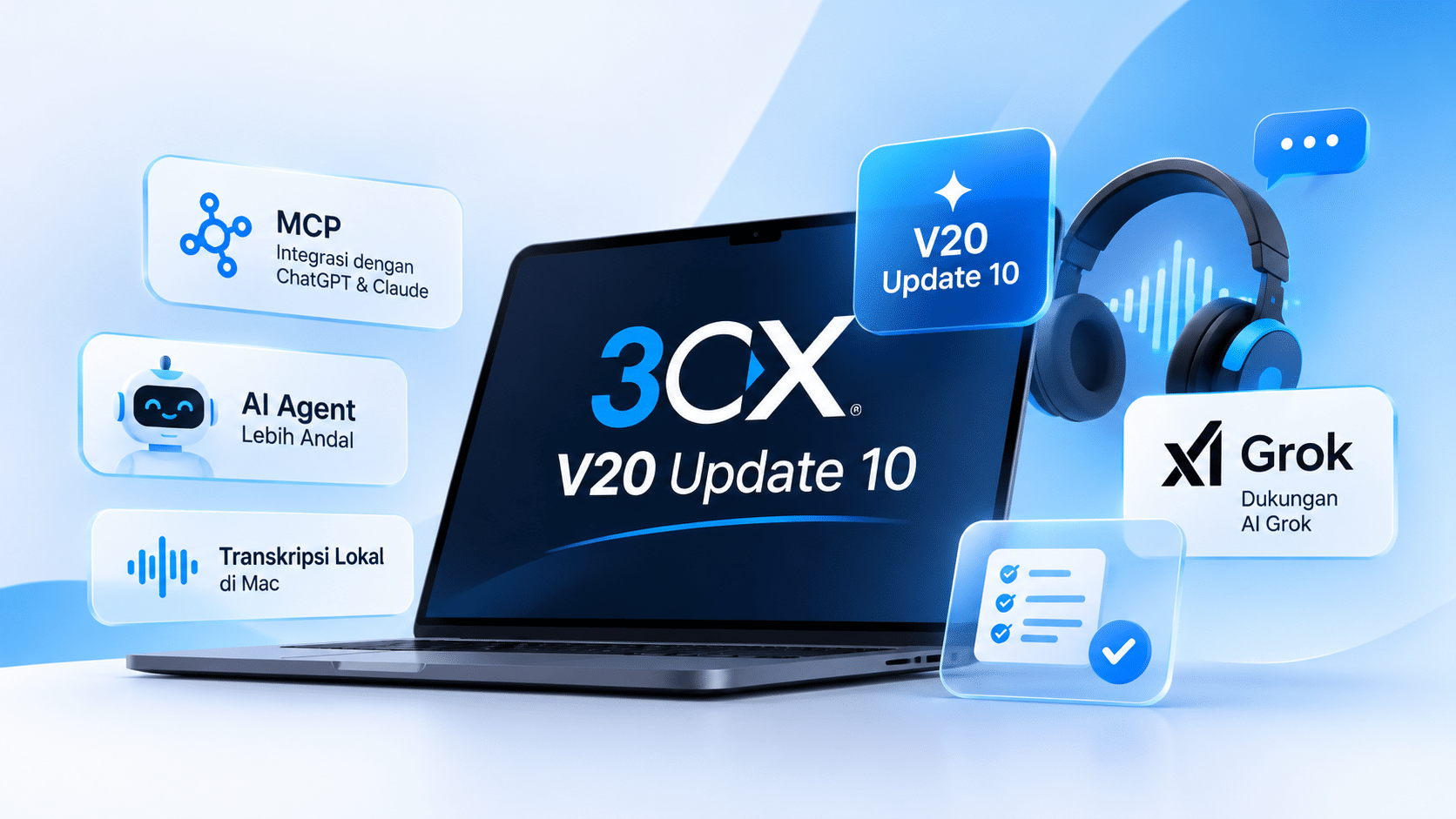
One of the key highlights is Model Context Protocol (MCP) support, which allows users to connect their 3CX systems with AI applications such as ChatGPT and Claude. This update also introduces more reliable AI Agents, support for Grok as an AI provider, and the ability to run call transcription locally using Mac devices.
So, what are the key changes introduced in 3CX V20 Update 10?
1. MCP Integration: Connect Your 3CX System with ChatGPT and Claude
One of the biggest improvements in 3CX V20 Update 10 is the introduction of Model Context Protocol (MCP) support.
MCP allows AI applications such as ChatGPT and Claude to connect to the 3CX system and access information based on each user’s assigned permissions.
With this integration, users can ask questions in natural language without having to open reports or manually review data.
For example, a Customer Service manager wants to understand why missed calls increased on Friday. Through MCP, the manager can ask AI to analyze call queue performance, identify when the issue occurred, and detect patterns in abandoned calls.
This integration also takes security into account. MCP uses OAuth authentication and follows the user permissions already configured in the 3CX system.
This ensures that AI can only access information that the user is authorized to view.
2. More Reliable AI Agents for Call Handling
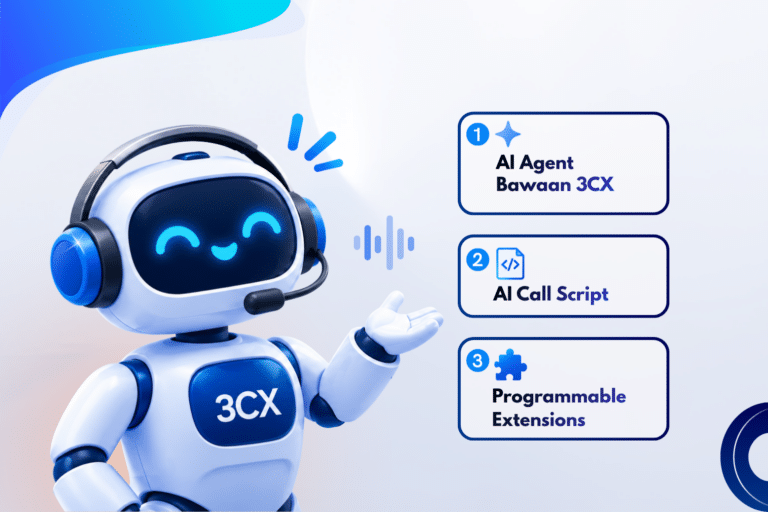
3CX V20 Update 10 also brings improvements to the AI Receptionist and AI Customer Service Agent.
These enhancements are designed to help AI handle conversations more consistently, follow instructions more accurately, and reduce the risk of calls going unanswered.
Some of the key improvements include:
Automatic Backup Destination: If an AI provider experiences an outage or an API Key issue occurs, calls can automatically be redirected to a backup destination, such as a Support Queue.
More Consistent Instructions: Improved prompt processing helps AI follow instructions more accurately throughout conversations.
More Accurate Contact Search: AI can help identify the correct contact even when callers do not mention the exact name.
Better Understanding of Long Conversations: AI can summarize conversations to maintain context during extended calls.
For the AI Customer Service Agent, this update also improves its ability to retrieve information from Knowledge Base documents and assist customers in resolving issues through multiple steps.
If the AI cannot resolve an issue or the customer wants to speak with a human agent, the call can be forwarded to a Queue, Ring Group, or Extension.
Supported document formats for the Knowledge Base include PDF, TXT, CSV, and Markdown.
3. Support for Grok AI from xAI
In addition to OpenAI, 3CX now adds Grok from xAI as an AI provider option for the AI Receptionist and AI Agent.
This gives administrators more flexibility when choosing which AI technology to use in their business communication systems.
Grok can also utilize Knowledge Base documents to help answer customer questions.
Users can test different AI providers based on their business requirements, languages, and conversation scenarios to determine which service best suits their needs.
This addition gives businesses greater flexibility and reduces their dependence on a single AI technology provider.
4. Local Call Transcription and Summarization Using Mac
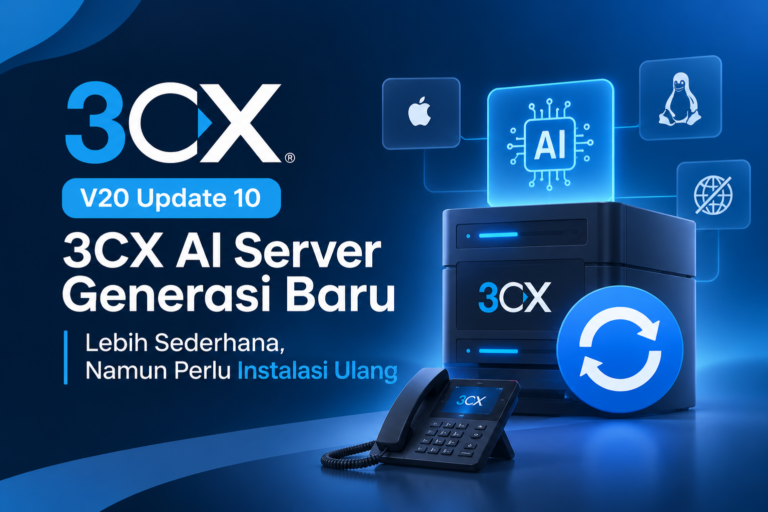
The next improvement focuses on conversation data processing through the latest generation of 3CX AI Server.
Businesses can now run transcription, call summarization, and sentiment analysis locally using Apple Silicon Mac devices or supported Linux servers equipped with NVIDIA GPUs.
One of the main advantages of this approach is that call recordings can be processed within the company’s own infrastructure without having to send them to cloud-based AI service providers.
Besides providing greater control over data processing, using a local AI Server also eliminates per-minute processing fees.
Some of the available capabilities include:
Call Transcription: Converts phone conversations into text, making them easier to review.
AI Call Summary: Automatically generates summaries of conversations.
Sentiment Analysis: Helps identify customer sentiment and emotional tone during conversations.
Call summaries have also been improved. The results are now organized into three sections: Recap, Notes, and Action Items.
With this structure, users can quickly understand the main discussion points, important information, and required follow-up actions without listening to the entire recording.
The AI Server installation process has also been simplified. The server can connect to the 3CX system without requiring port forwarding configuration, firewall changes, or additional certificate management.
5. A More Convenient Web Client for Call Activities
In addition to AI improvements, 3CX V20 Update 10 also enhances the user experience through updates to the Web Client.
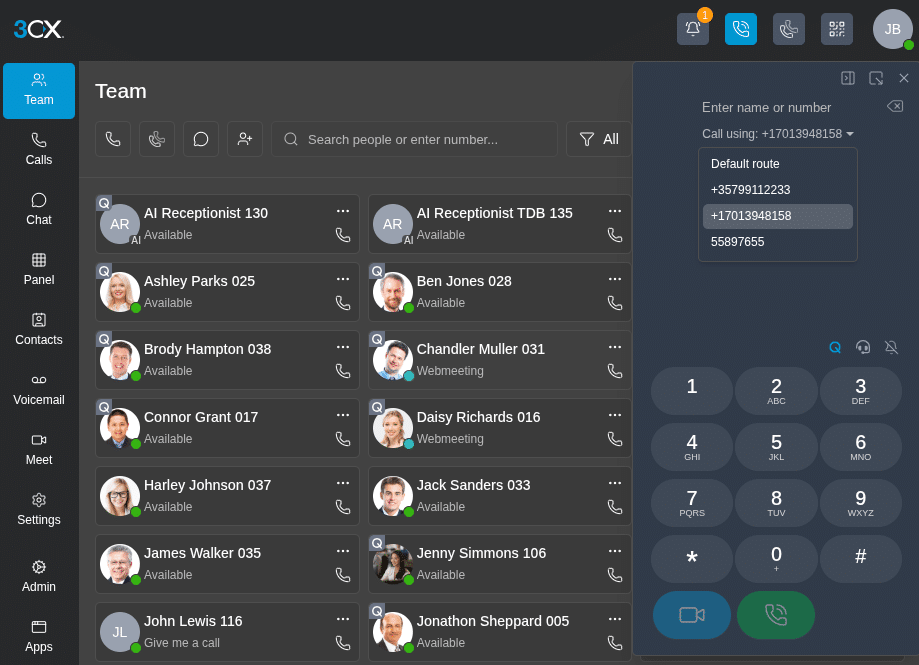
Some of the new features include:
Outbound Caller ID Selection
Users can now select the phone number or Caller ID they want to use before making an outbound call.
This feature is useful for companies that have multiple business numbers or offices with different phone identities.
Pop-Out Dialer
The dialer can now be opened in a separate window that stays on top of other applications.
Users can make calls while accessing CRM applications, Helpdesk platforms, or other work-related tools. This feature supports Google Chrome and Microsoft Edge browsers.
Easier Audio Conferencing
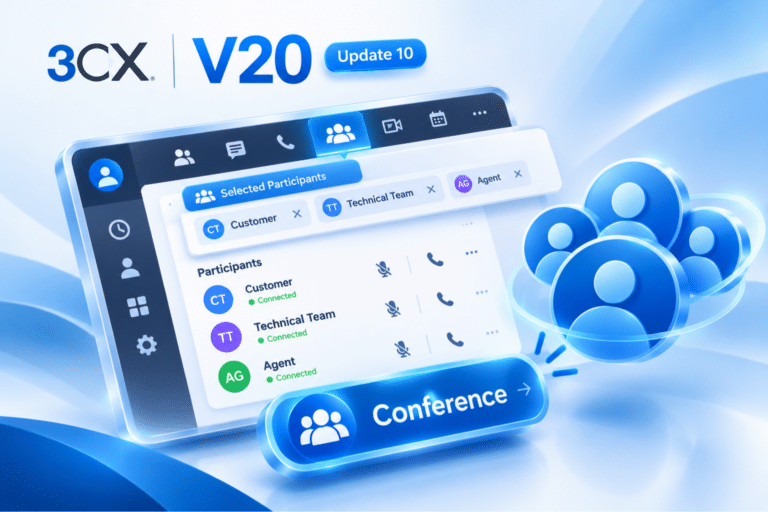
Users can start an audio conference directly through the Conference button next to the dialer.
Participants can be added through contacts or phone numbers. During the conference, users can also view connected participants, mute microphones, remove participants, or call back participants who have been disconnected.
With this update, connecting multiple parties in a single conversation becomes more convenient.
6. Manage IP Phone Firmware from a Single Page
For administrators, phone device management is now more centralized through the new Phones page.
3CX V20 Update 10 provides greater control over IP Phone firmware management.
Administrators can use firmware validated by 3CX or upload firmware directly from device manufacturers.
Some of the available capabilities include:
Setting default firmware for each phone model.
Assigning different firmware versions to specific devices.
Rolling back to previous firmware versions.
Scheduling automatic firmware updates.
Monitoring devices that are still using outdated firmware through the Dashboard.
Moving devices to other users without losing their existing configurations and firmware.
Additionally, administrators can use Custom Phone Templates to adjust device configurations according to their system requirements.
7. Easier Softphone Login with Google and Microsoft SSO
3CX V20 Update 10 also simplifies the softphone installation and user experience through Single Sign-On (SSO) support.
Users no longer need to configure their applications manually using QR Codes or provisioning files.
The process is straightforward:
Download a supported 3CX application.
Enter the 3CX server address.
Sign in using a Google or Microsoft account through the browser.
The application will automatically complete the configuration.
This feature requires SSO to be enabled by the administrator. Windows users must also use Windows Softphone V5.8.
With this process, administrators can reduce the number of configuration steps required when setting up phone applications for employees.
How to Update to 3CX V20 Update 10
Businesses looking to access the latest features can perform the update through the 3CX Admin Console.
Here are the general steps:
Log in to the 3CX Admin Console using an administrator account.
Open the System menu.
Select the Updates section.
Follow the available update sequence until the process is complete.
Before performing the update, there are several important considerations:
Zendesk and Salesforce integrations need to be reauthorized after the upgrade.
Users of the built-in AI Transcription feature should pay attention to the migration process to the latest generation of 3CX AI Server.
Custom Summary Prompts should be copied beforehand, as custom prompts may be overwritten by default settings after the upgrade.
Update 3CX applications, including Windows Softphone V5.8, to access the latest improvements.
Make sure to review the migration guidelines and system requirements before applying the update in a production environment.
Conclusion
3CX V20 Update 10 introduces significant improvements, particularly in integrating AI with business communication systems.
MCP support opens new opportunities to analyze phone system information through AI applications. Improvements to the AI Receptionist and AI Customer Service Agent help handle calls more consistently, while the 3CX AI Server enables call transcription and summarization to be processed locally.
Meanwhile, updates to the Web Client, IP Phone firmware management, and SSO support make system usage and administration more convenient.
With these enhancements, 3CX continues to evolve beyond a traditional business phone platform by supporting automation, conversation analysis, and business productivity.
Want to learn more about 3CX implementation and AI integration for your business? SolusiPBX provides consultation, implementation, training, and support services for 3CX-based communication systems tailored to your company’s needs.